Security
Password Security: Protect Your Digital Life
By Ecosys World Editorial Team · Published on 2026-04-01
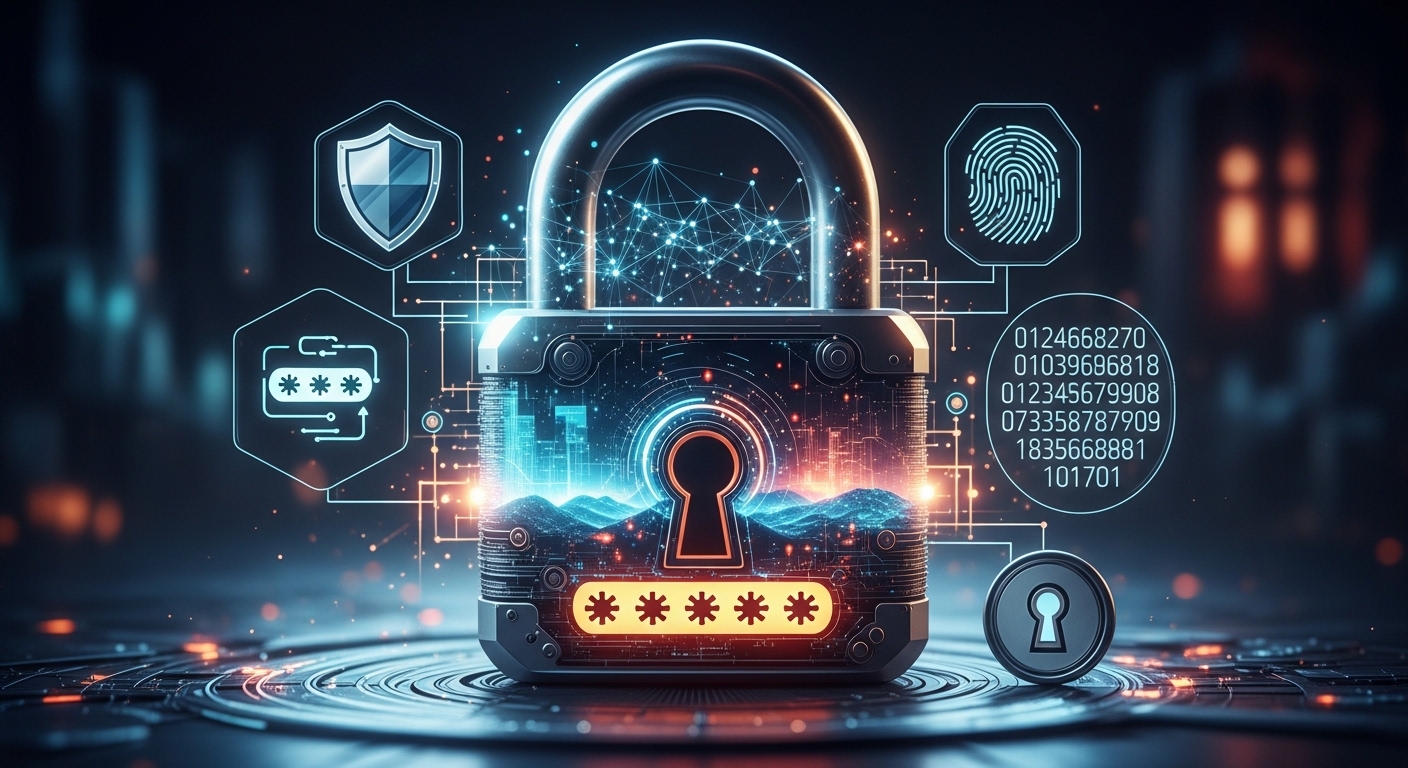
Essential tips for creating and managing strong passwords in the digital age.
The State of Password Security Today
Despite years of security awareness campaigns, '123456' and 'password' remain among the most commonly used passwords worldwide, according to annual breach data analyses. In 2023 alone, billions of credentials were exposed in data breaches. The average person reuses the same password across multiple services — meaning a single breach at one site can unlock accounts across banking, email, and social media simultaneously.
What Makes a Password Strong
A strong password has three key properties: length (at least 12–16 characters), complexity (a mix of uppercase, lowercase, numbers, and symbols), and uniqueness (never reused across accounts). Contrary to popular belief, a long passphrase of four or five random words (like 'correct-horse-battery-staple') is often stronger than a shorter but seemingly complex password like 'P@ssw0rd!' — and far easier to remember.
Password Managers: The Practical Solution
The only realistic way to have unique, complex passwords for every service is to use a password manager. Apps like Bitwarden (free and open-source), 1Password, or Dashlane generate and store strong passwords for every site, requiring you to remember only one master password. They also alert you when your stored passwords appear in known data breaches, giving you a chance to change credentials before attackers exploit them.
Two-Factor Authentication
Even a strong, unique password can be compromised through phishing, keyloggers, or server-side breaches. Two-factor authentication (2FA) adds a second verification step — a time-based code from an authenticator app, a hardware security key, or a biometric scan. Enable 2FA on every important account, particularly email (which is used to reset all other passwords), banking, and work accounts. Authenticator apps like Google Authenticator or Authy are more secure than SMS-based 2FA.
Recognising Phishing Attempts
Most password compromises don't involve hacking — they involve tricking users into handing over their credentials voluntarily through convincing fake login pages. Always check the URL before entering your password. Legitimate sites use HTTPS and have the correct domain spelling. Be suspicious of urgent emails claiming your account will be suspended unless you act immediately — this is a classic phishing tactic. When in doubt, navigate directly to the site rather than clicking email links.