Tools
Markdown for Beginners: Write Better Documentation
By Ecosys World Editorial Team · Published on 2026-07-05
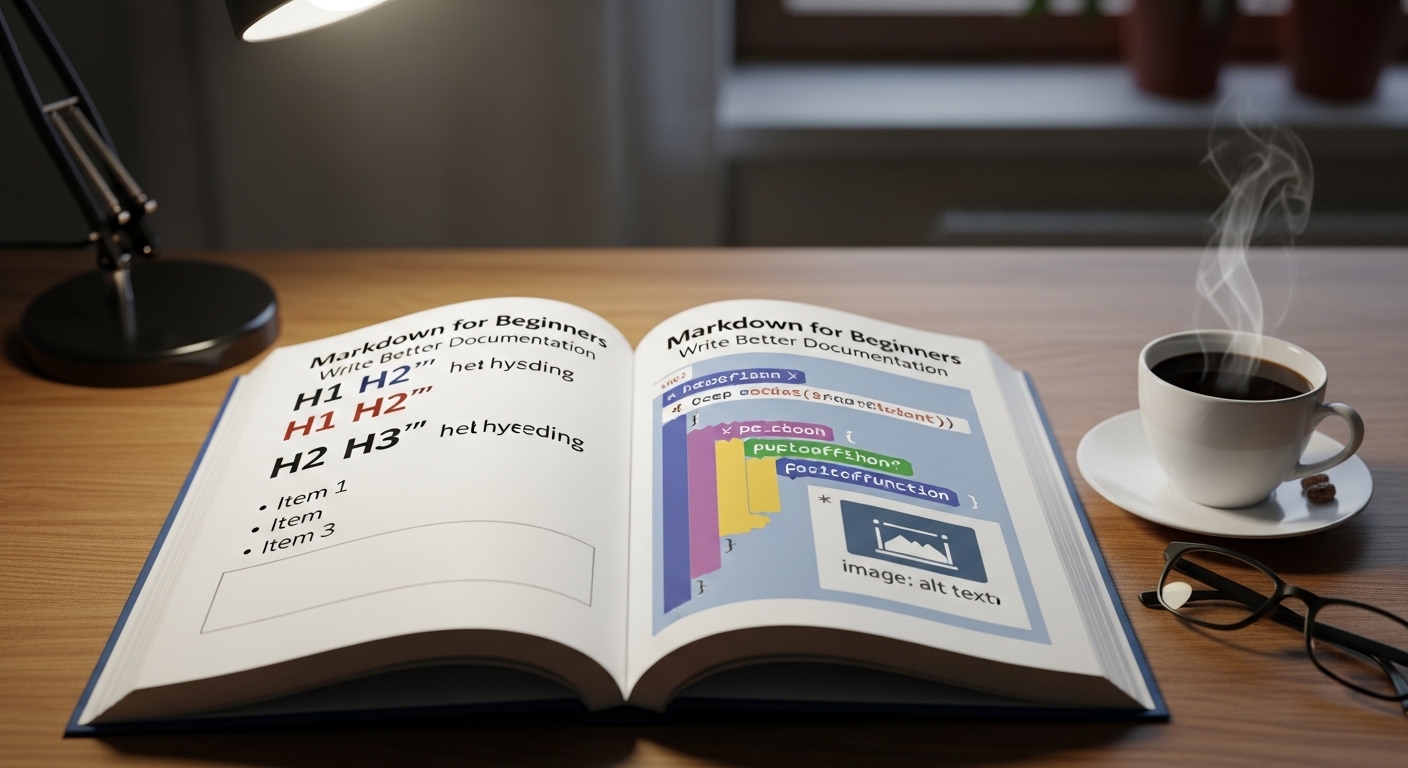
Learn Markdown syntax and start writing clean, formatted documents.
What Is Markdown and Why Use It?
Markdown is a lightweight markup language created by John Gruber in 2004 that lets you format text using simple, readable symbols. Instead of clicking formatting buttons in a word processor, you add characters like # for headings, ** for bold, and - for bullet points. Markdown files are plain text, meaning they open in any text editor, work perfectly with version control systems like Git, and convert cleanly to HTML. It's the standard format for README files, documentation, blog posts, and note-taking.
Essential Markdown Syntax
The core syntax you'll use 90% of the time: `# Heading 1`, `## Heading 2`, `### Heading 3` for headings. `**bold**` and `*italic*` for emphasis. `- item` or `1. item` for unordered and ordered lists. `[link text](URL)` for hyperlinks. `` for images. `` `code` `` for inline code and triple backticks for code blocks. `> text` for blockquotes. `---` for a horizontal rule. These twelve patterns cover the vast majority of Markdown documents.
Markdown Flavours
Standard Markdown is extended by various 'flavours' that add features. GitHub Flavored Markdown (GFM) adds tables, task lists, and automatic link conversion. CommonMark is a strict specification designed to standardise the inconsistencies in original Markdown. MultiMarkdown adds footnotes, tables, and document metadata. Most platforms specify which flavour they support — GitHub uses GFM, most static site generators support CommonMark with extensions, and note-taking apps often implement their own variants.
Markdown Tables
Tables are one of Markdown's most useful but trickiest features. The syntax uses pipe characters (`|`) to separate columns and hyphens to create the header row separator. Colons in the separator row control alignment: `| :--- |` for left-aligned, `| ---: |` for right-aligned, `| :---: |` for centred. While the raw Markdown can look untidy, rendered tables are clean and professional. Many code editors offer table formatting plugins that automatically align your pipe characters for readability.
Tools and Workflow
For writing Markdown, any text editor works — but editors with live preview make learning faster. VS Code with the Markdown Preview Enhanced extension, Typora (a distraction-free Markdown editor with inline preview), and Obsidian (for interconnected note-taking) are popular choices. Our Markdown-to-HTML converter on this site lets you instantly see how your Markdown renders as HTML — useful for checking formatting before pasting into a CMS or sharing documentation.