Tools
Essential Web Development Tools for 2026
By Ecosys World Editorial Team · Published on 2026-08-25
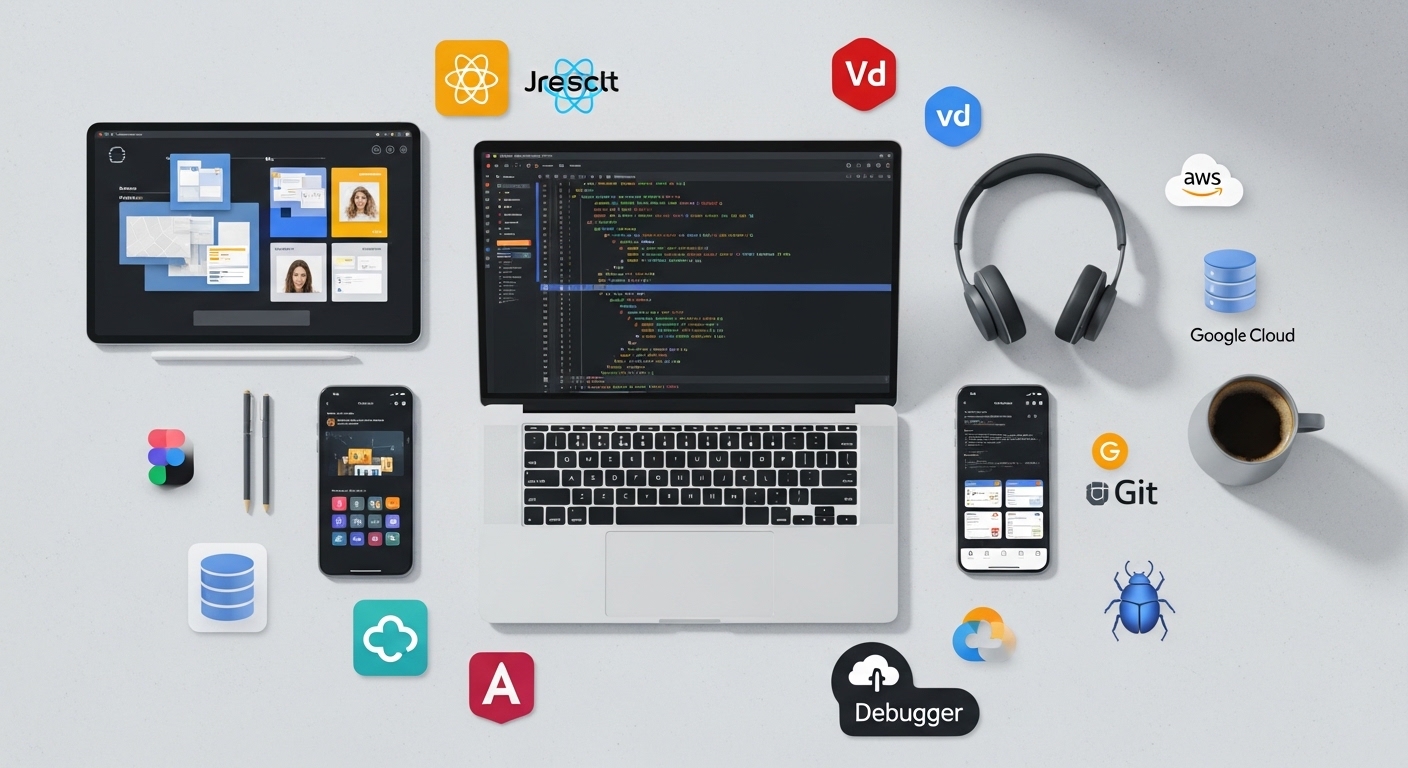
The must-have tools every web developer should have in their toolkit.
The Essential Development Environment
Every web developer's toolkit starts with a code editor. Visual Studio Code has dominated this space since its release — it's fast, extensible, and free, with an ecosystem of thousands of extensions that cover every conceivable workflow. Its built-in Git integration, IntelliSense code completion, and debugger make it a near-complete development environment. Alternatives include JetBrains WebStorm (paid but with excellent refactoring tools) and Neovim for developers who prioritise keyboard-driven efficiency.
Version Control: Git Is Non-Negotiable
Git is not just a tool — it's the foundation of modern software development. Every professional development workflow depends on it for tracking changes, collaborating with teams, and maintaining a safe history of your code. GitHub, GitLab, and Bitbucket provide hosting and collaboration features on top of Git. Learning Git's core commands (clone, add, commit, push, pull, branch, merge) and understanding branching strategies like Git Flow or trunk-based development is essential for any professional developer.
Frontend Frameworks and Build Tools
React remains the most widely used frontend JavaScript framework, with a massive ecosystem and job market. Vue.js offers a gentler learning curve with similar component-based architecture. Svelte takes a different approach, compiling components to vanilla JavaScript with no runtime overhead. For build tooling, Vite has largely replaced Create React App for new projects, offering dramatically faster development server startup and hot module replacement. TypeScript is now the default choice for serious projects, catching type errors before they reach production.
Developer Utilities for Daily Work
Beyond the core stack, several tools make daily development work significantly more efficient. Postman or Insomnia for testing APIs. TablePlus or DBeaver for database management. Docker for consistent development environments that match production. ngrok for exposing local development servers to the internet for testing webhooks. Chrome DevTools — built into every Chrome-based browser — for inspecting elements, debugging JavaScript, analysing network requests, and profiling performance.
Free Online Utilities
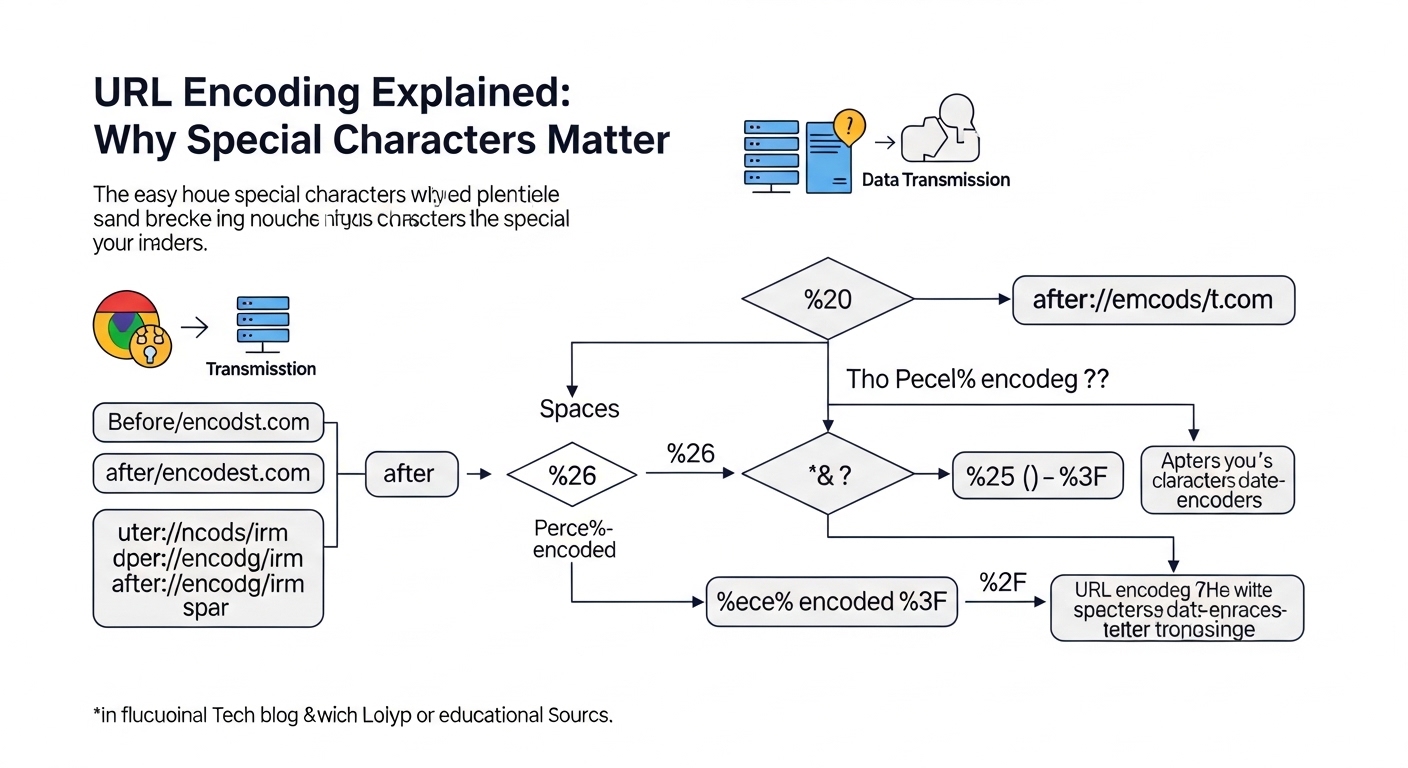
Browser-based development tools fill the gaps where desktop apps are overkill. JSON formatters and validators save time when working with API responses. URL encoders/decoders handle special character edge cases. Base64 converters are useful for image embedding and token debugging. Regex testers like regex101.com explain regular expressions and test patterns in real-time. Our developer tools collection at Ecosys World covers these common utilities without any installation or sign-up required.