Tools
Timezone Converter Guide for Remote Workers
By Ecosys World Editorial Team · Published on 2026-04-15
Navigate time zones like a pro with scheduling tips for global teams.
The Challenge of Working Across Time Zones
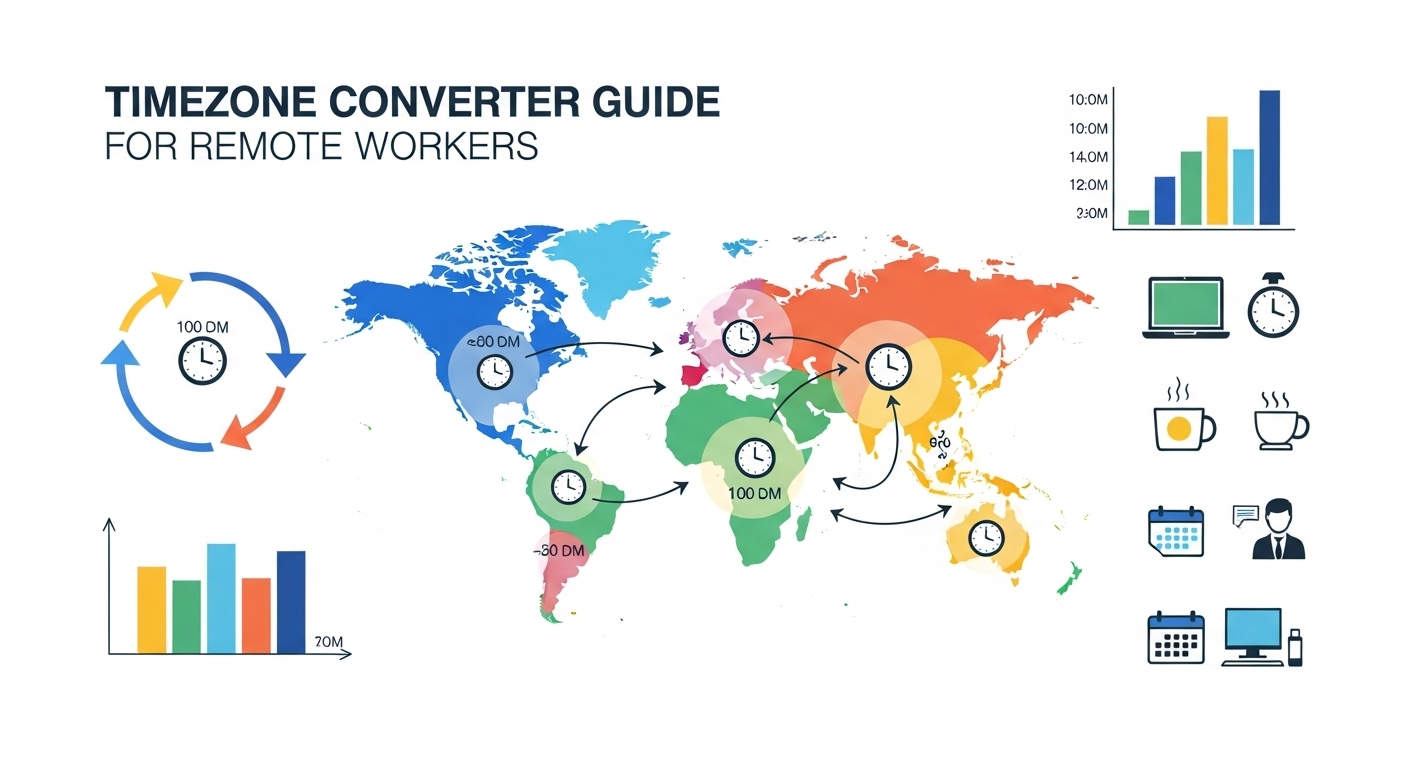
Remote work has made timezone management a daily challenge for millions of people. Scheduling a meeting that works for London, New York, and Singapore simultaneously means navigating a 13-hour spread — and that's before daylight saving time shifts the calculation. Getting it wrong means no-shows, missed deadlines, and the kind of late-night calls that erode team morale over time.
Understanding UTC and Offsets
Coordinated Universal Time (UTC) is the global time standard against which all other time zones are measured. New York is UTC-5 in winter (UTC-4 in summer during daylight saving time). London is UTC+0 in winter (UTC+1 in summer). Tokyo is UTC+9 year-round, as Japan doesn't observe daylight saving time. When communicating across time zones, specifying UTC offset avoids all ambiguity — '14:00 UTC' is unambiguous regardless of where you are.
Daylight Saving Time Complications
Daylight Saving Time (DST) is observed by roughly 70 countries but on different dates and by different amounts. The US and Europe shift on different Sundays in March and October, creating a two-week window twice a year when the time difference between them is one hour off the usual. Australia's DST is in the opposite season to the northern hemisphere. Some countries within the same time zone (like the US state of Arizona) don't observe DST at all, adding further complexity.
Best Practices for Remote Teams
Establish a team reference time zone and always communicate meeting times in both local and reference times. Use calendar apps that display events in multiple time zones simultaneously. Rotate meeting times to distribute the inconvenience of early or late calls fairly across team members in different regions. Avoid scheduling meetings during cultural holidays — our holiday calendars can help you identify these across 20 countries.
Using the Timezone Converter Effectively
When planning international calls, start with the most restricted time zone — the team member with the smallest window of reasonable working hours. Build outward from there. Our timezone converter lets you compare multiple cities simultaneously so you can find the overlap between business hours across regions at a glance. Save your most-used city combinations for quick reference.